
Timesheets for Managers
Managers can open a team member's timesheet, review the entries, and approve or reject them.

Start and end times
If your organization records start and end times, breaks or travel, the list shows them for each entry. On a wide screen the Time column after Employee shows the start and end time, with any break and travel minutes underneath. On a smaller screen they appear on a line of their own within each entry. Breaks and travel are shown only when the entry has some. On a wide screen, scheduled tasks that have not been logged yet show their scheduled times in the same column.
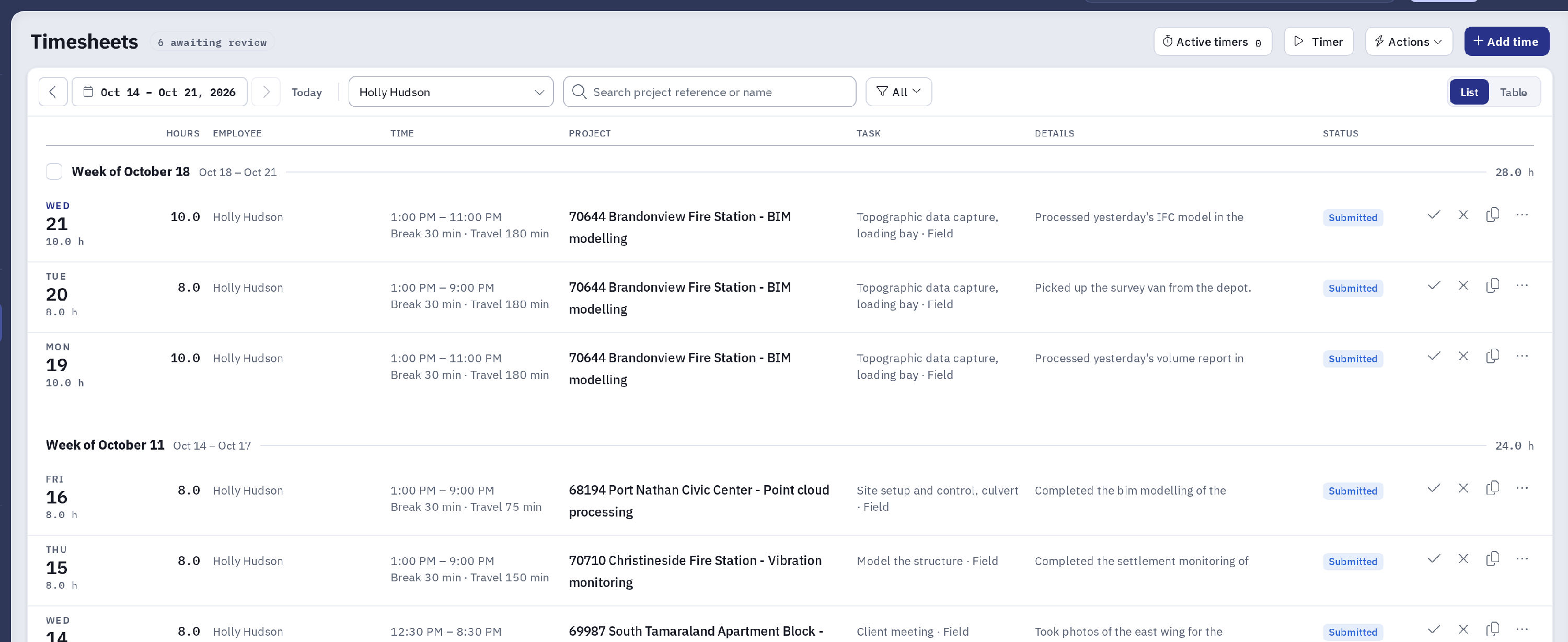
To see how employees enter their times, breaks and travel, read Record a diary/ timesheet entry.
Find out more about the Timesheets page here: Timesheets.